Drawing
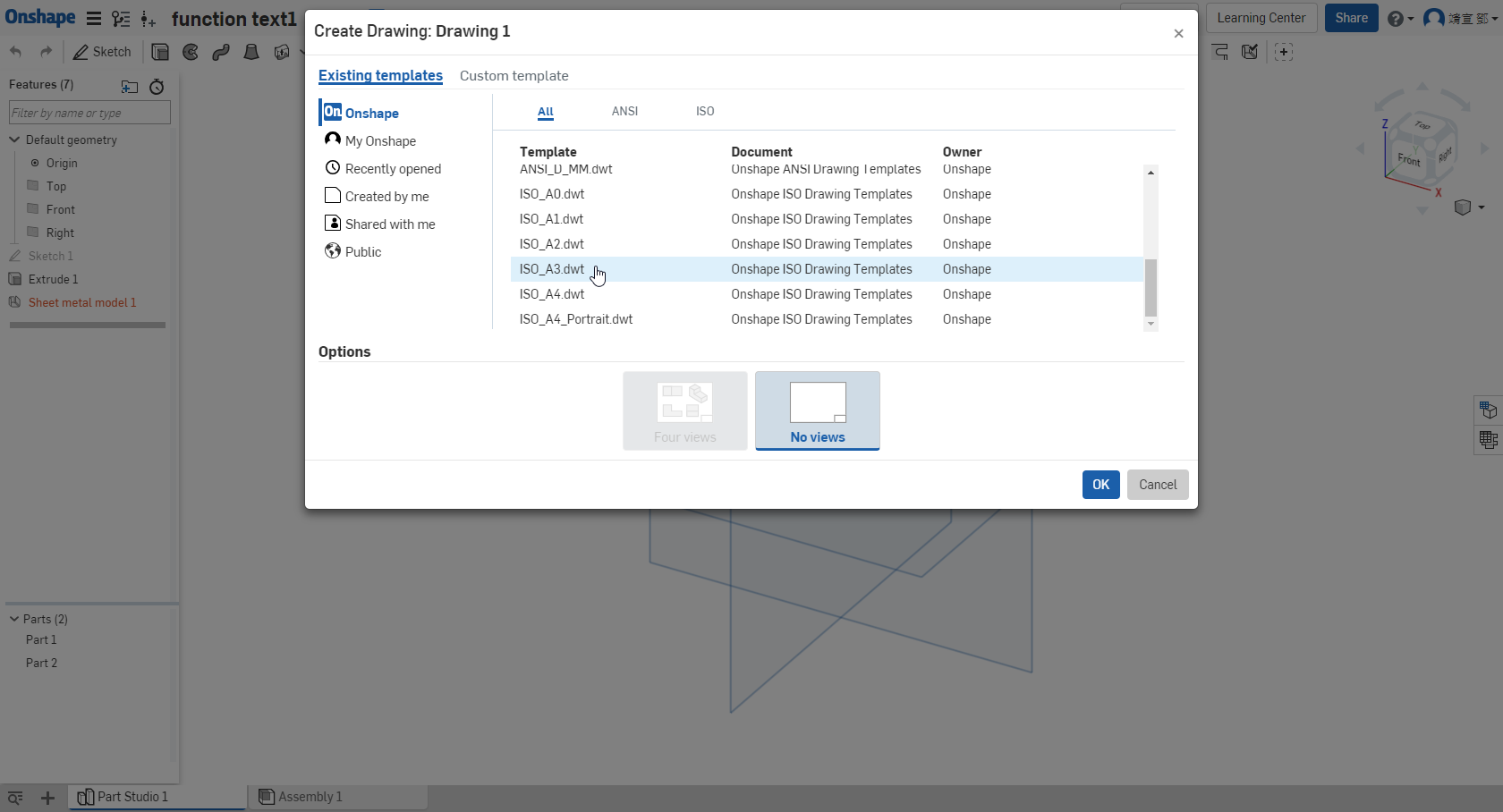
建立一張圖面 ↓
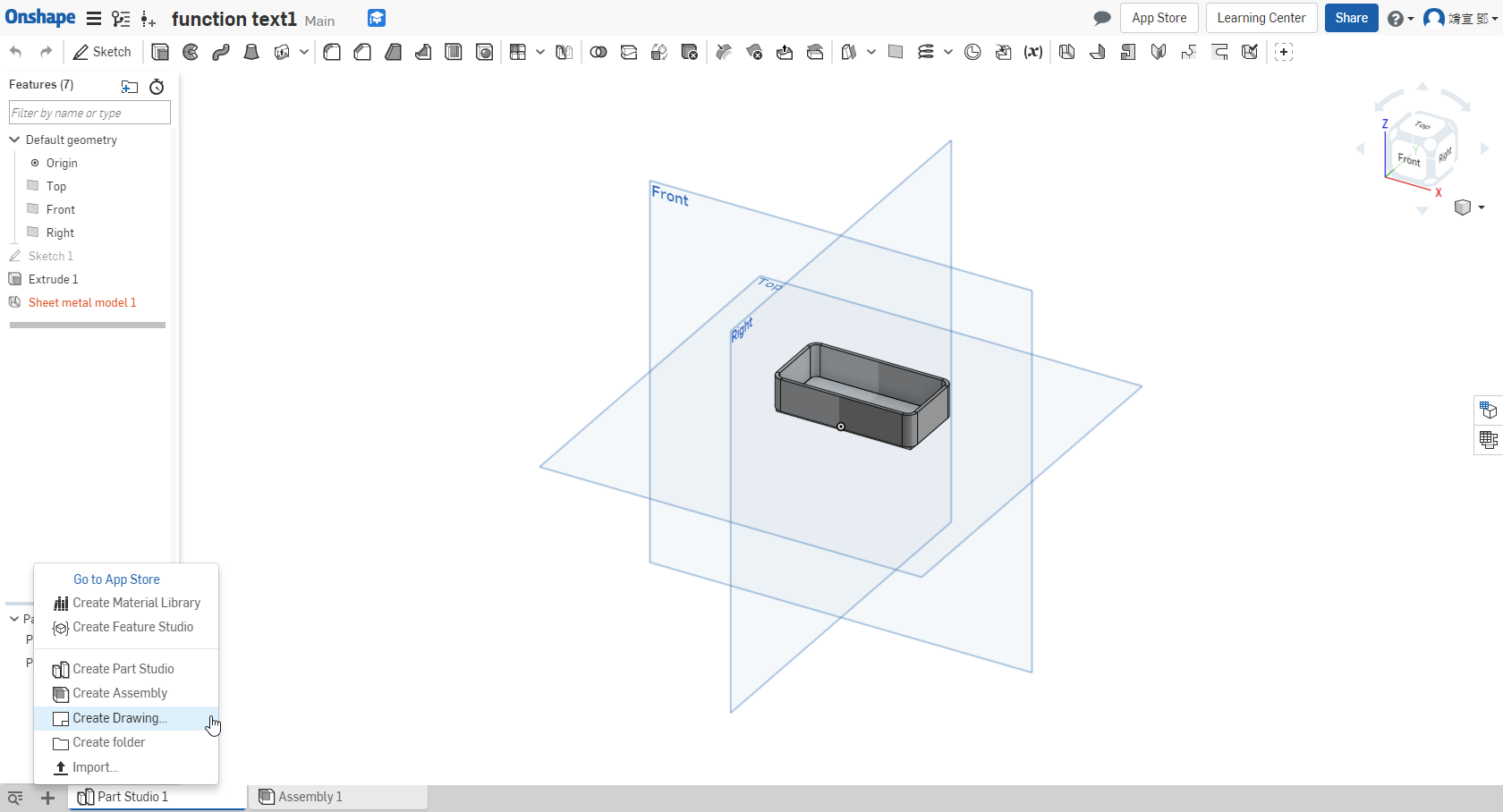
step1:選擇一張圖面
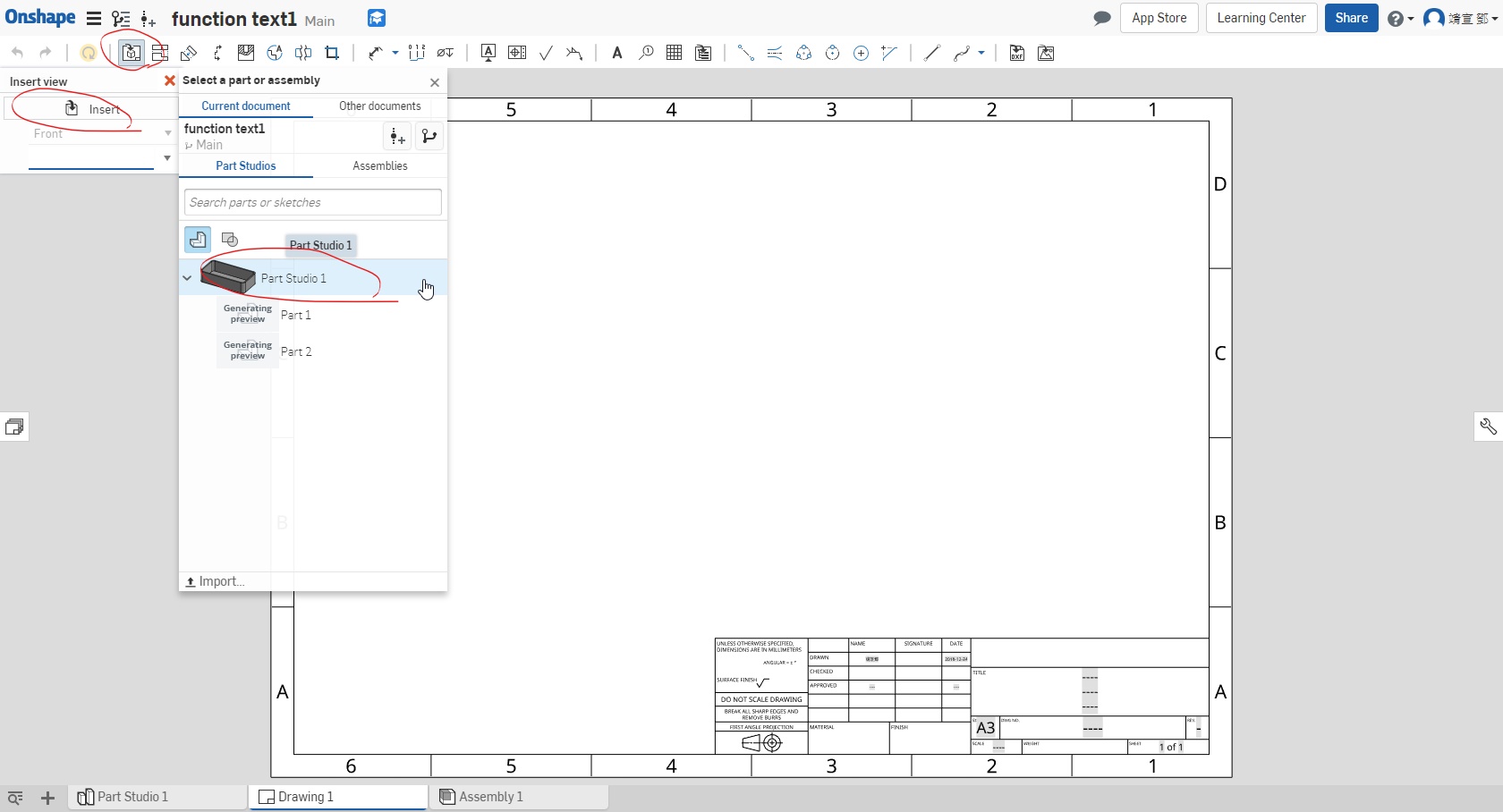
step2:選擇零件到圖面
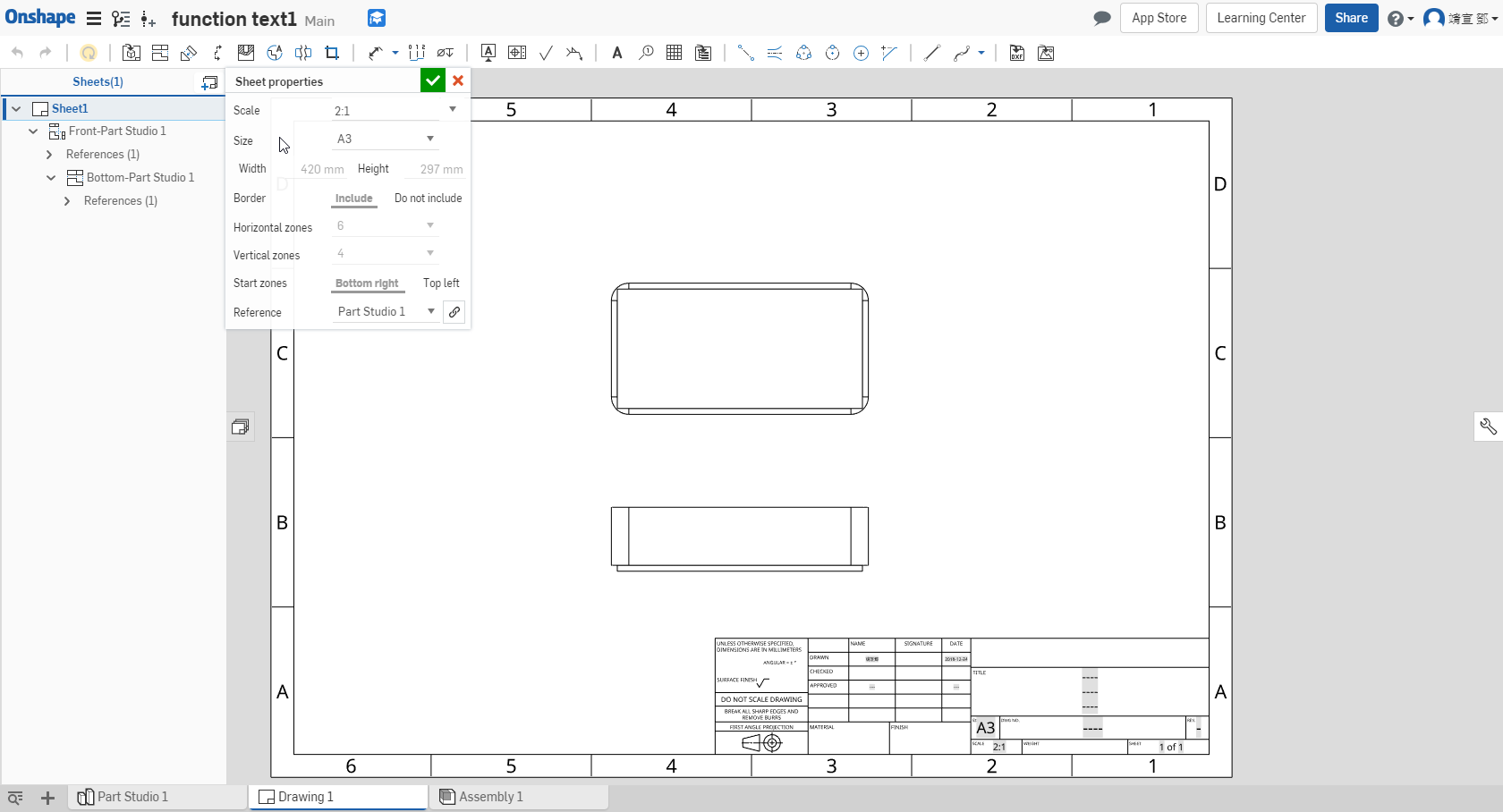
step3:設定圖面
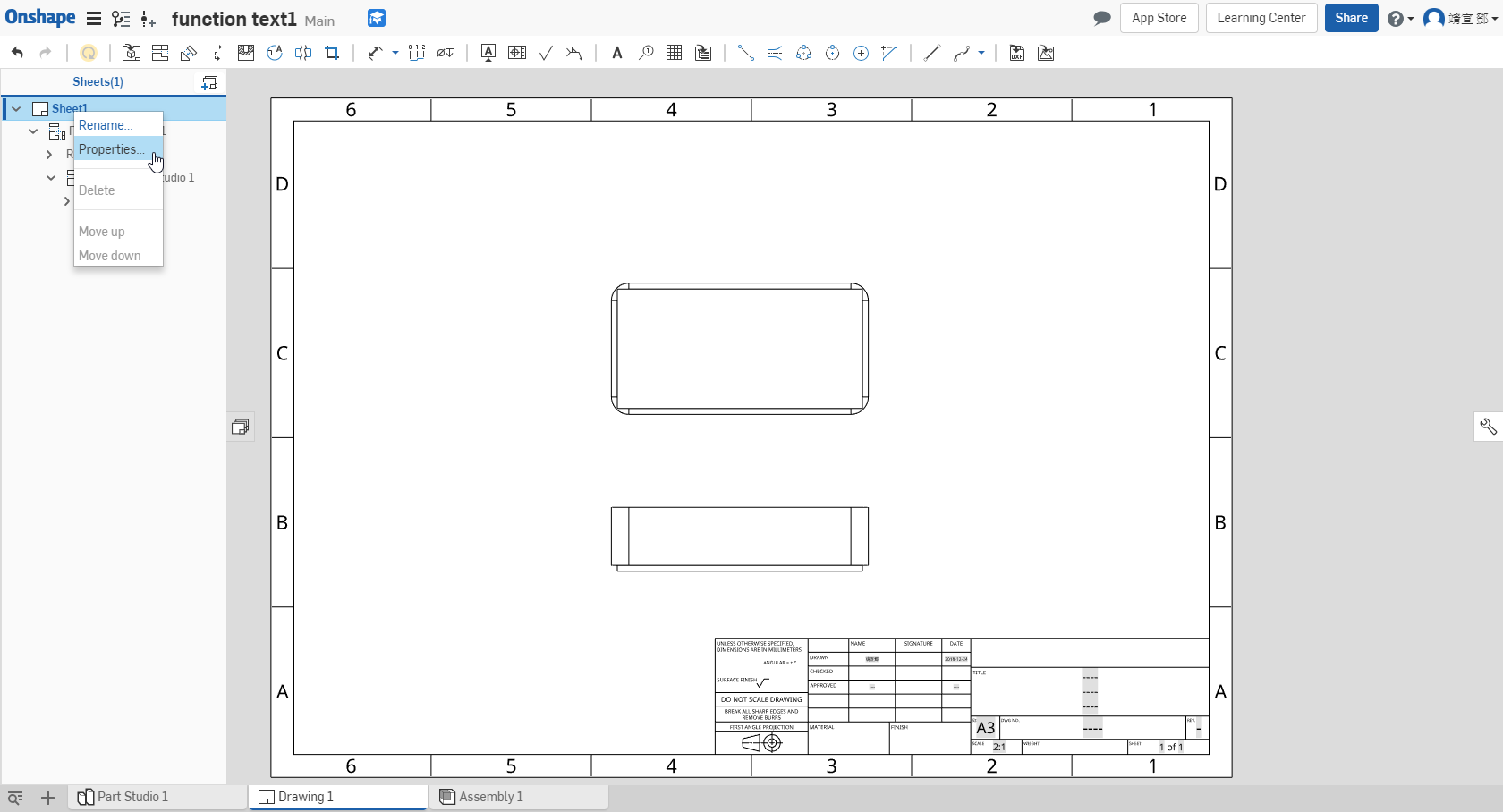
Scale 比例 / Size 圖紙規格 / Border 邊界 ↓
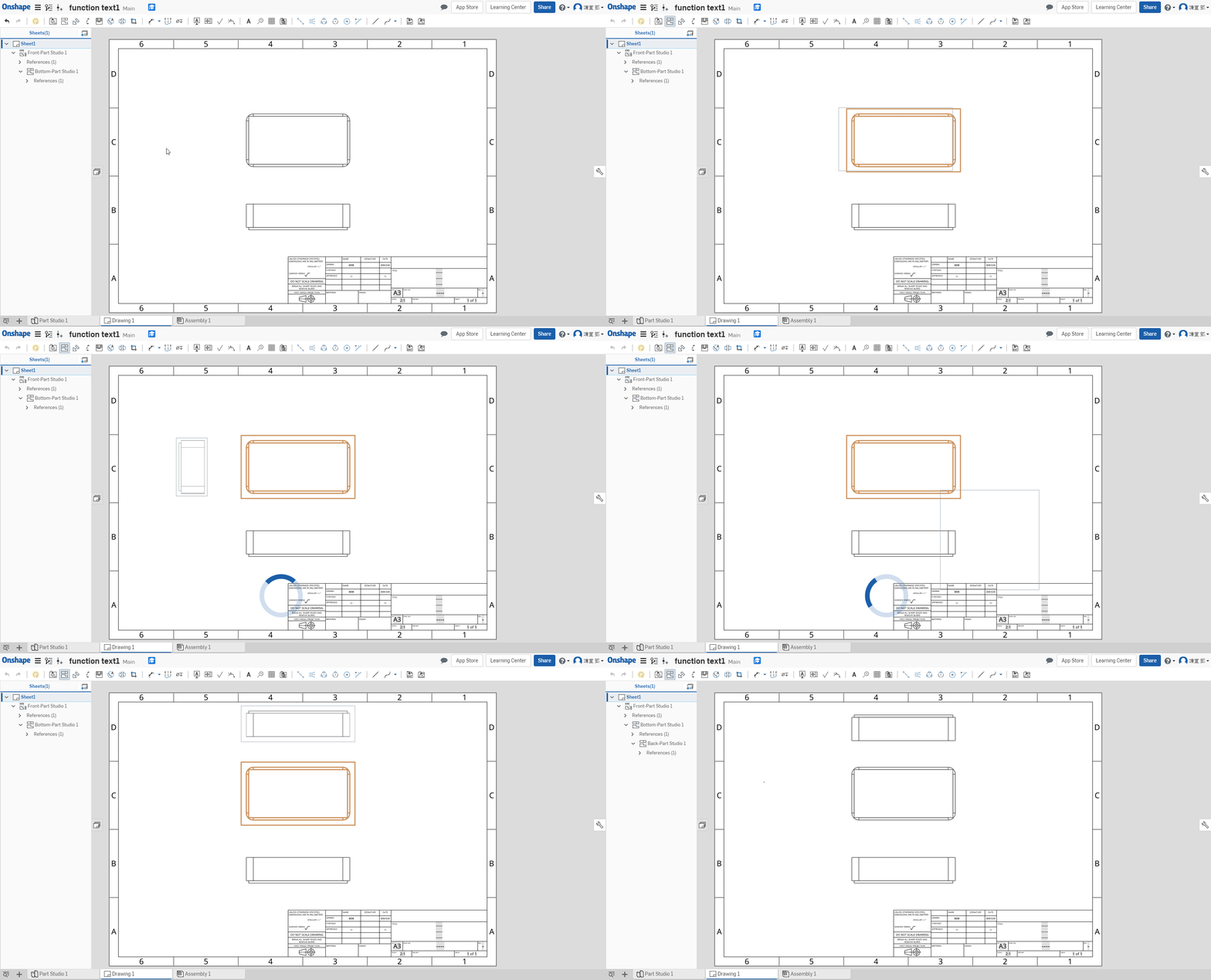
Project view 投影 (快捷鍵:P) ↓
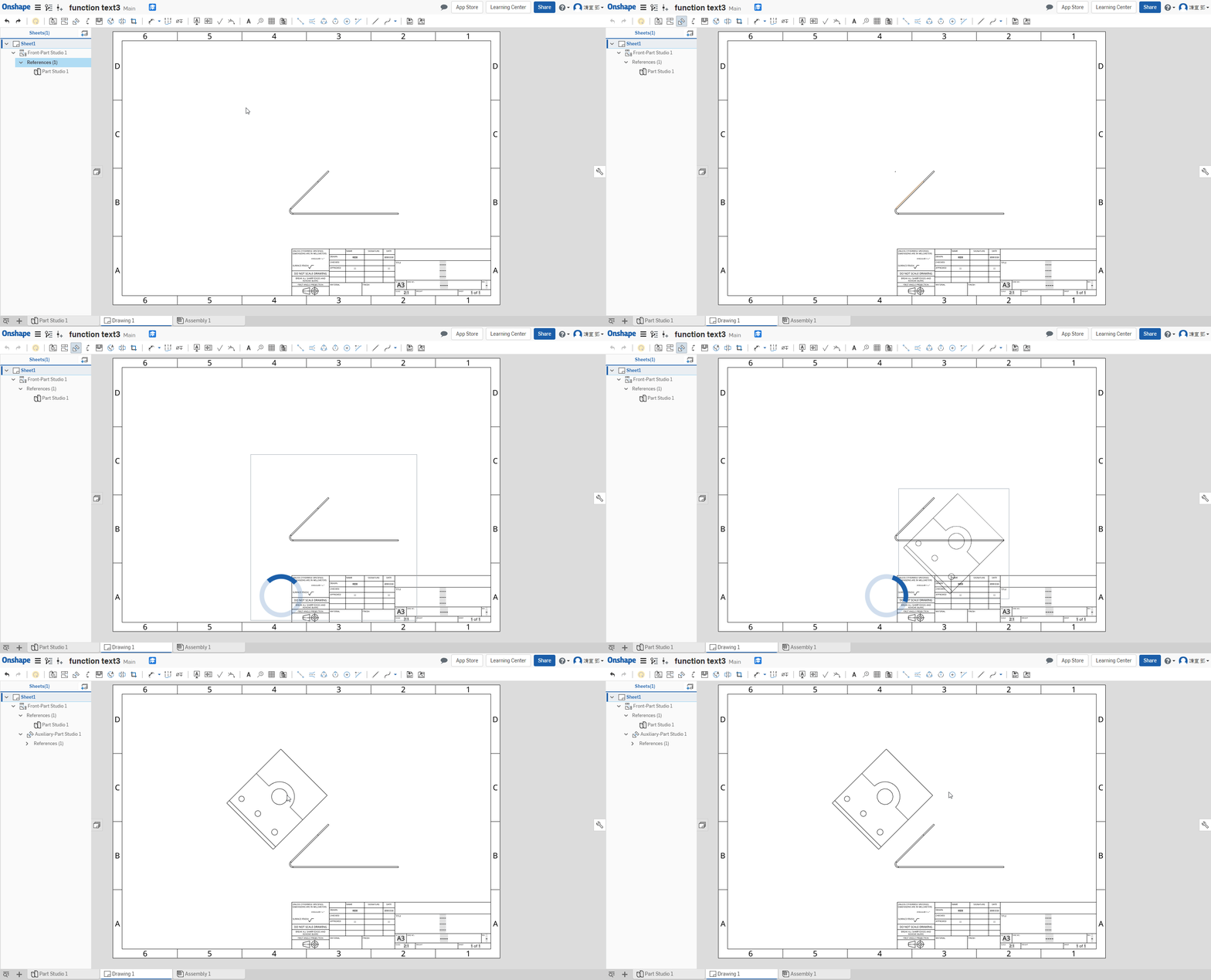
Auxiliary Wiew 輔助視圖 ↓
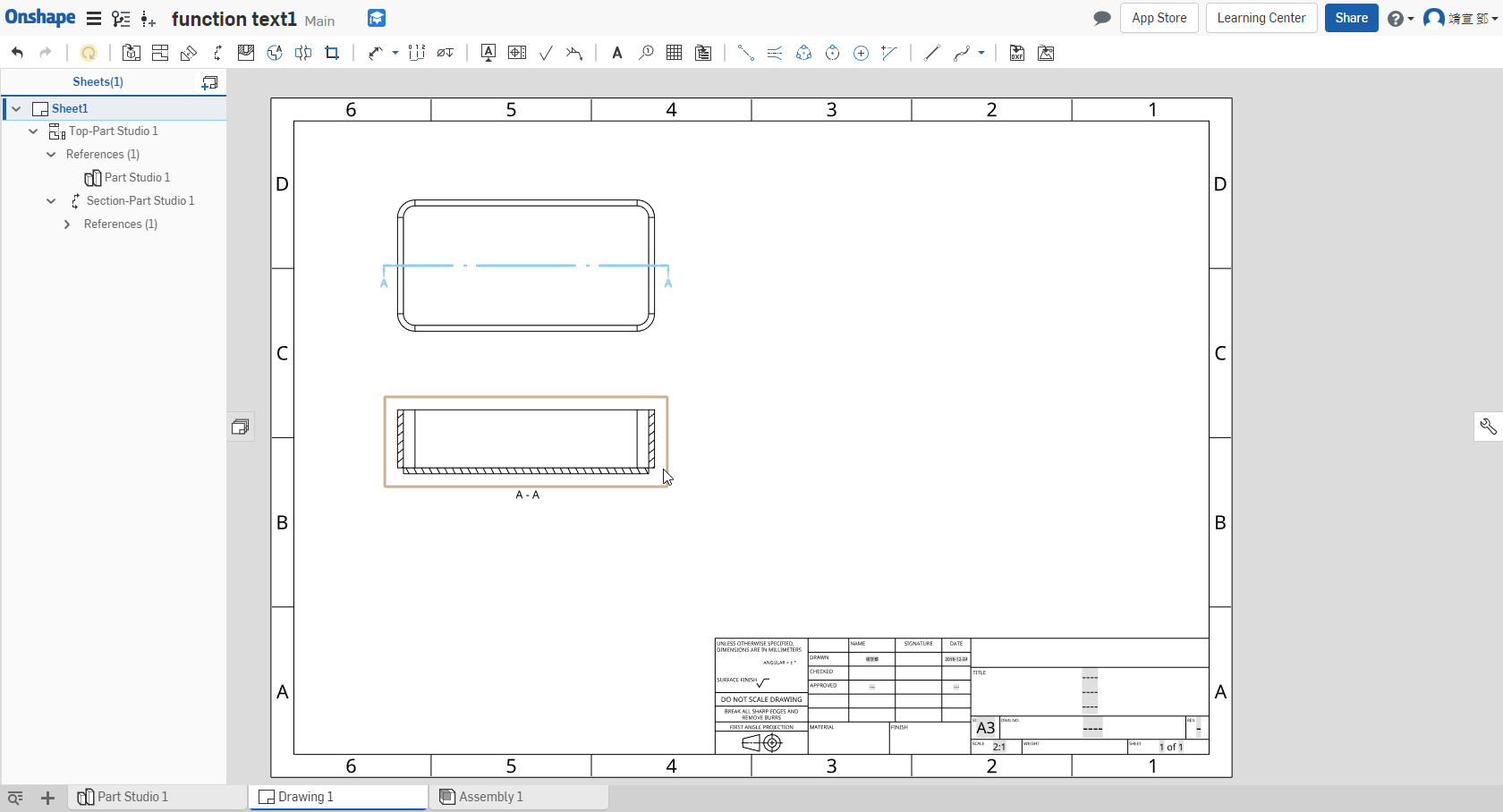
Section view剖視圖 ↓
step1 : 放置零件或組合圖
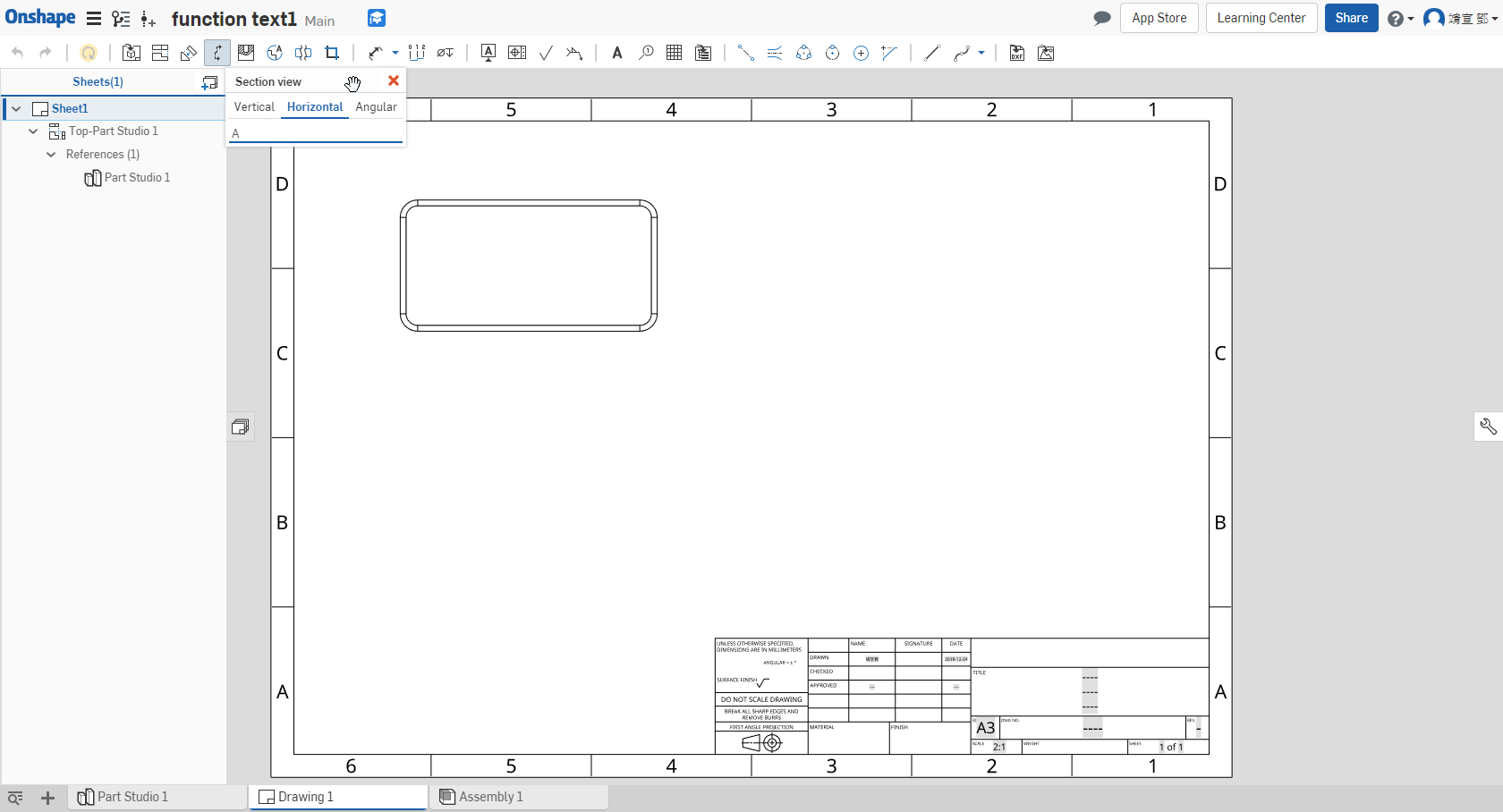
step2:選擇要剖面的位置及方向
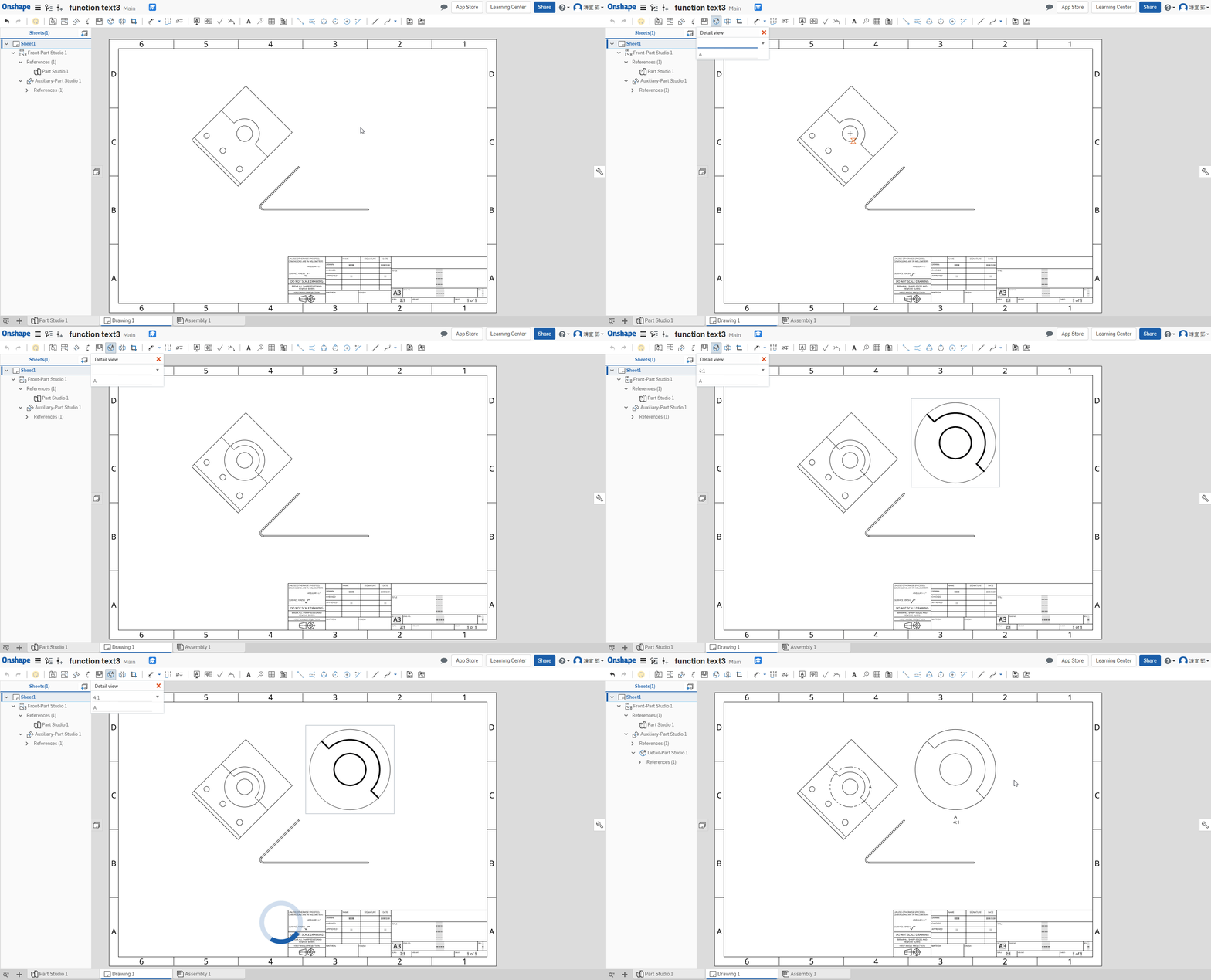
Detail view 局部放大視圖 ↓
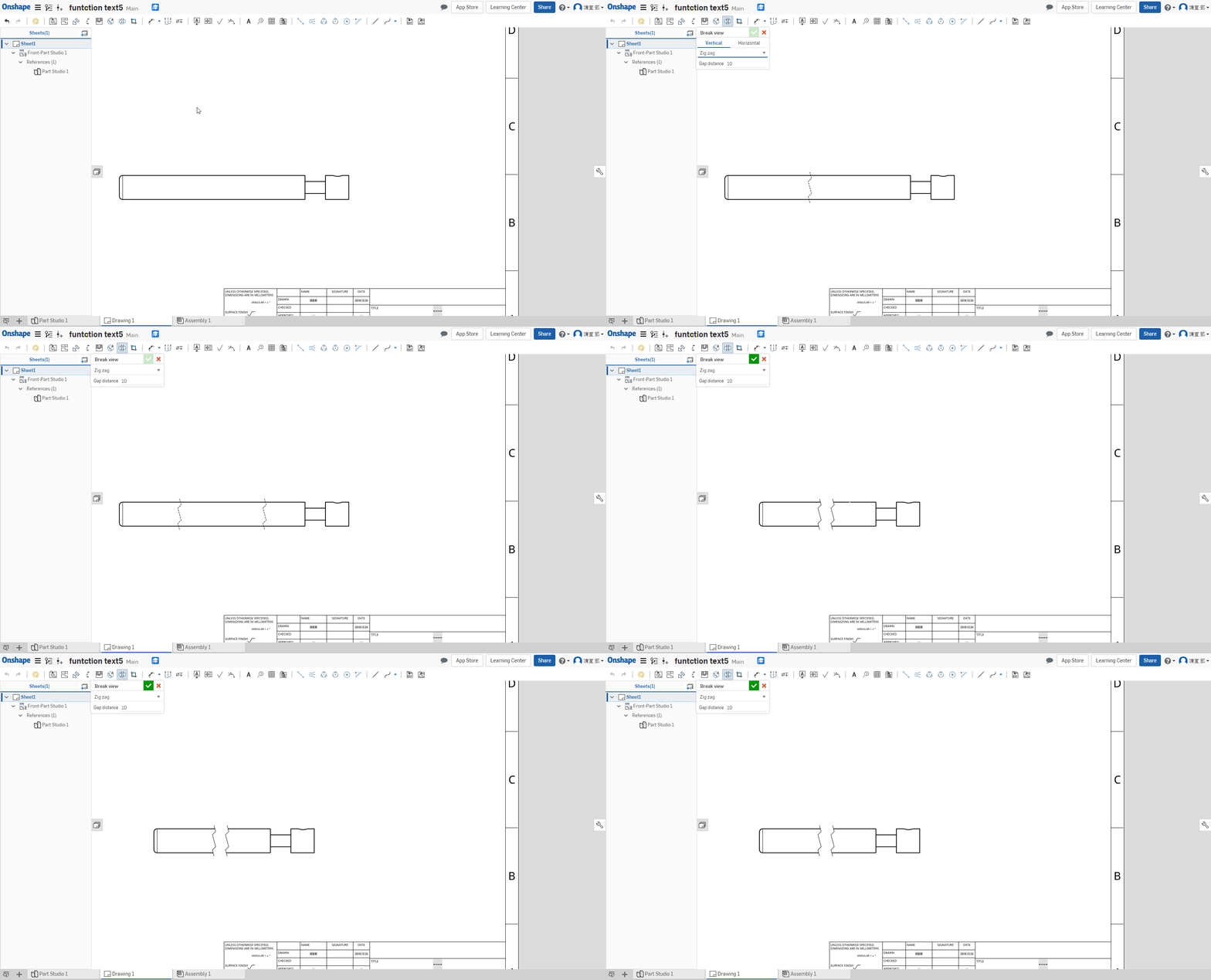
Break view 中斷視圖 ↓
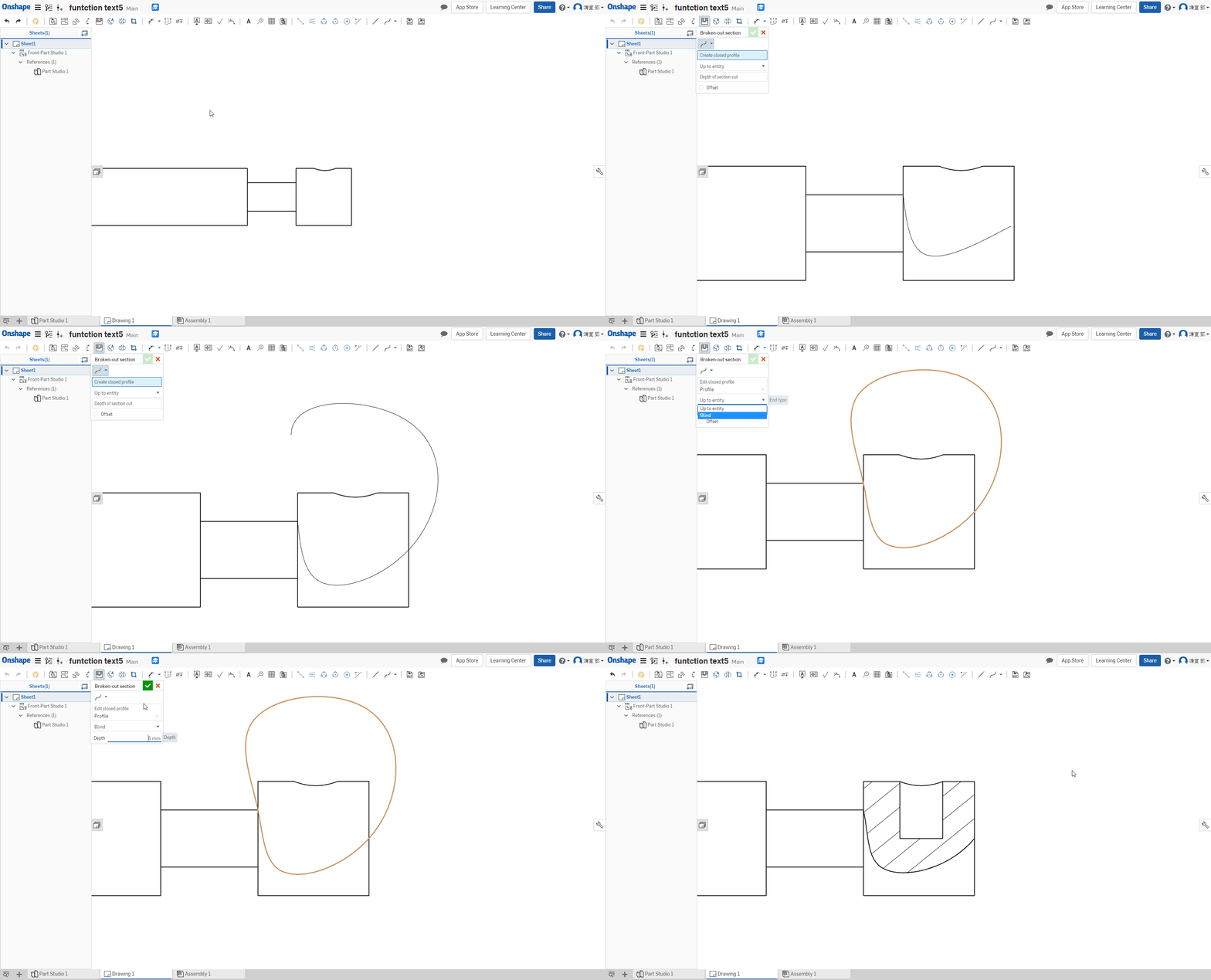
Partial section view 局部剖面視圖 ↓
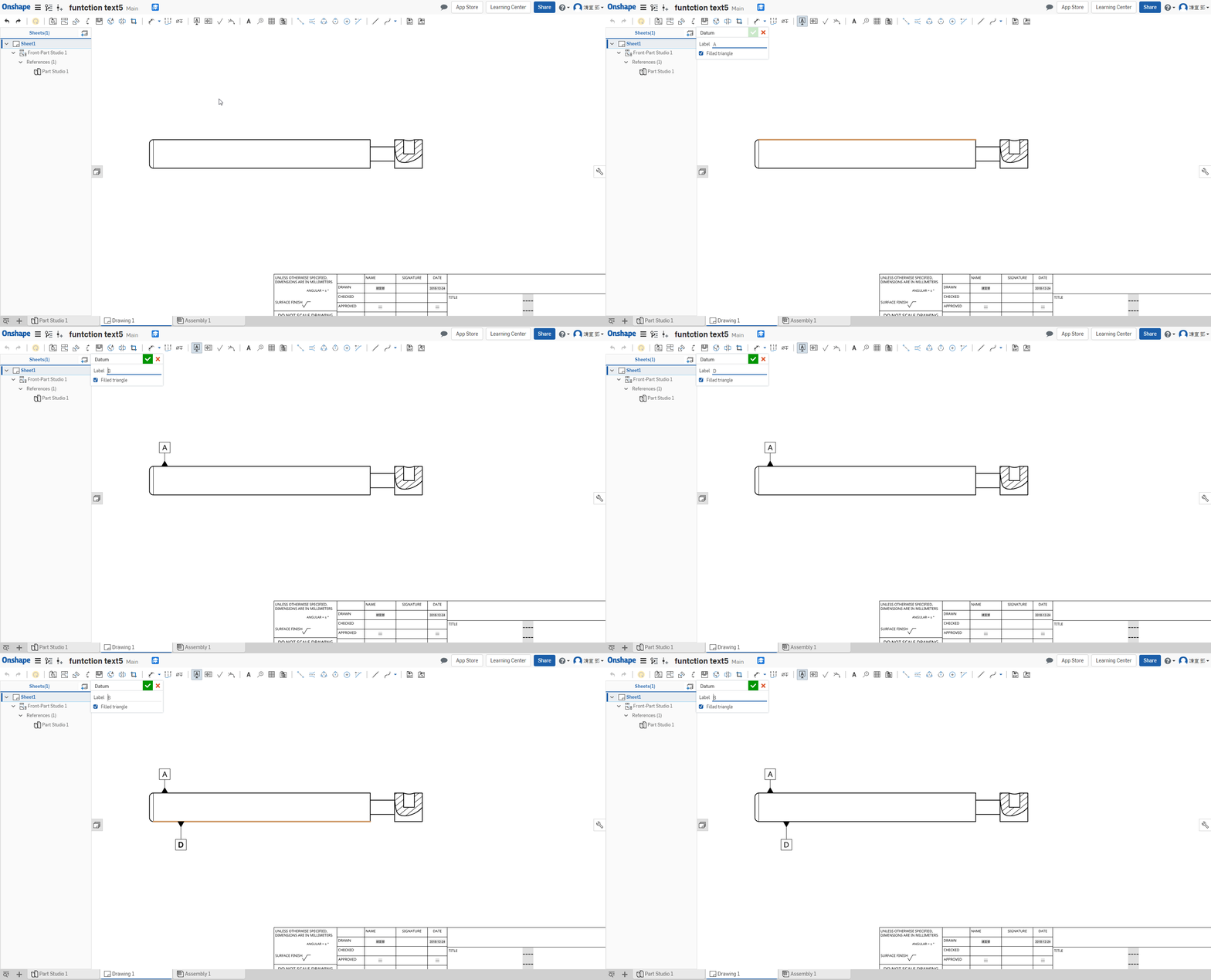
Datum 基準 ↓
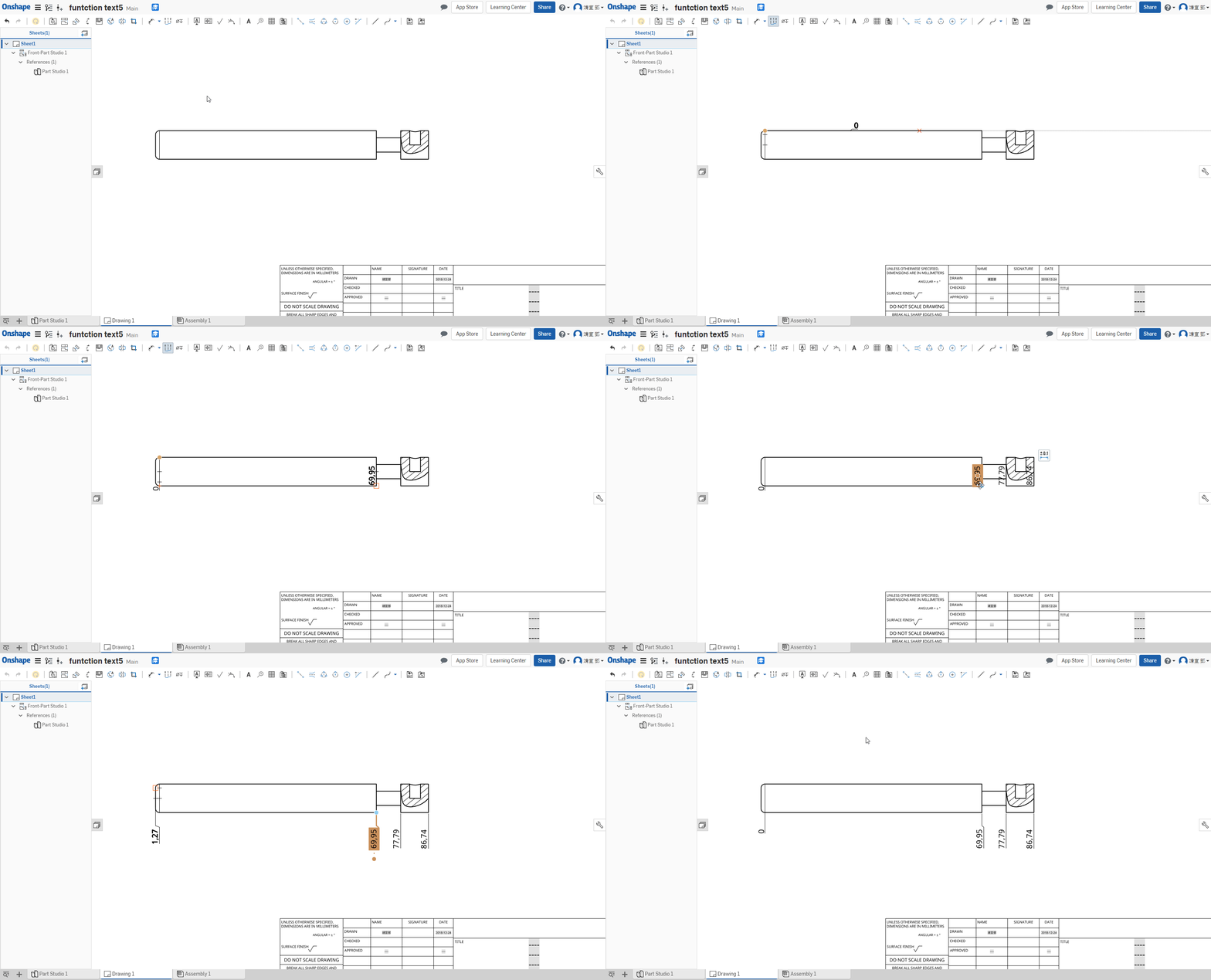
Geometric tolerance 縱向標註 ↓
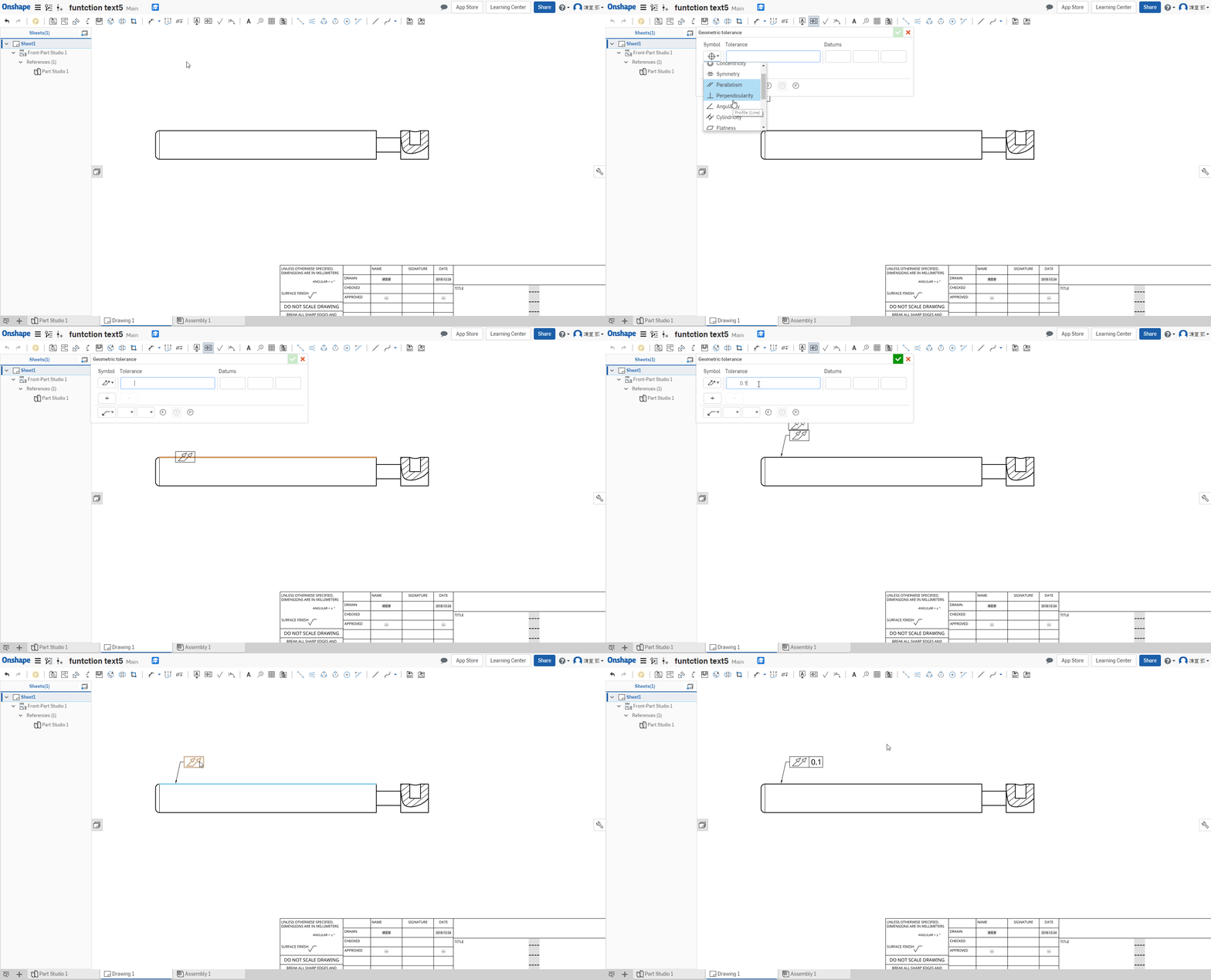
Geometric tolerance 幾何公差 ↓
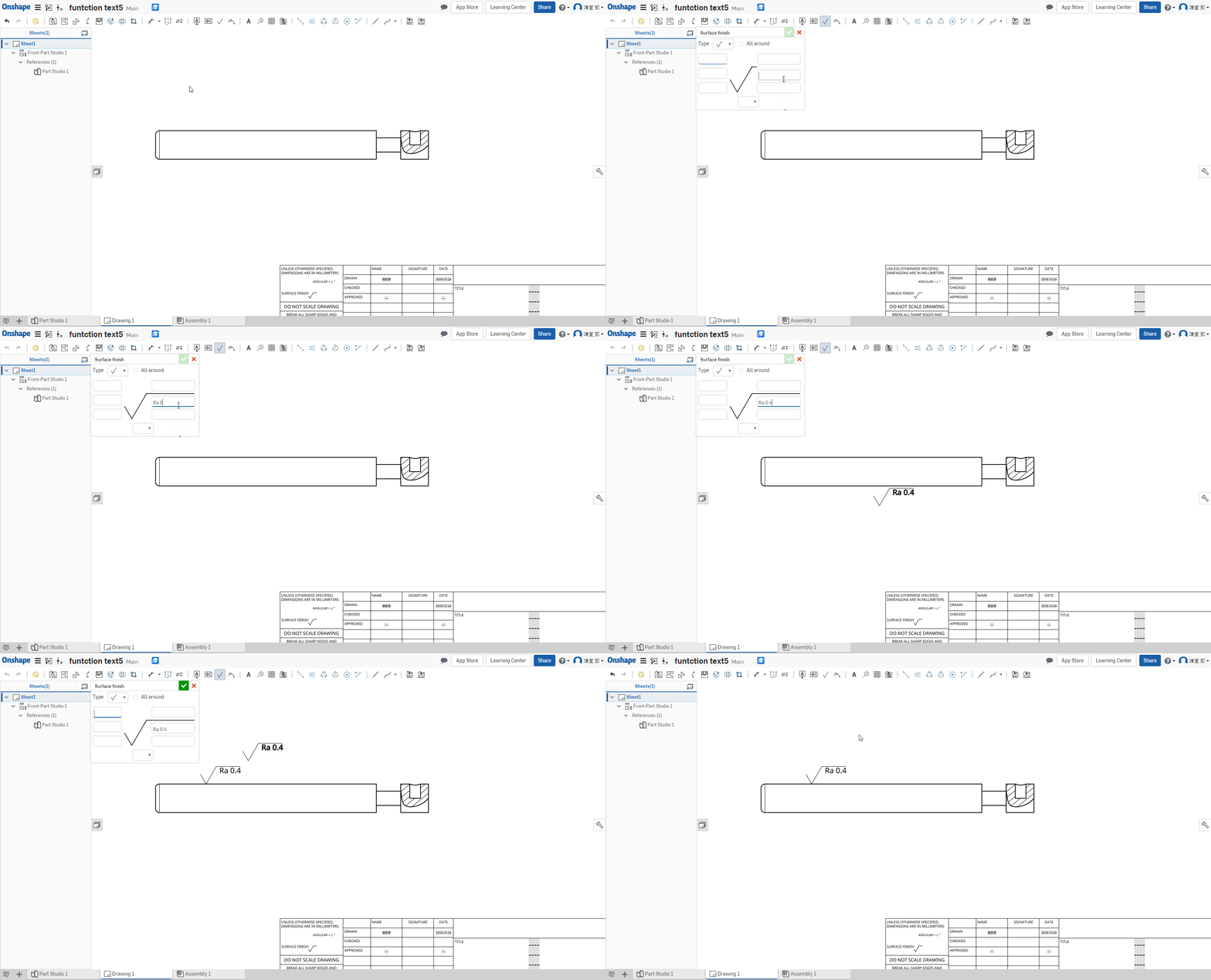
Surface finish symbol 表面織構 ↓
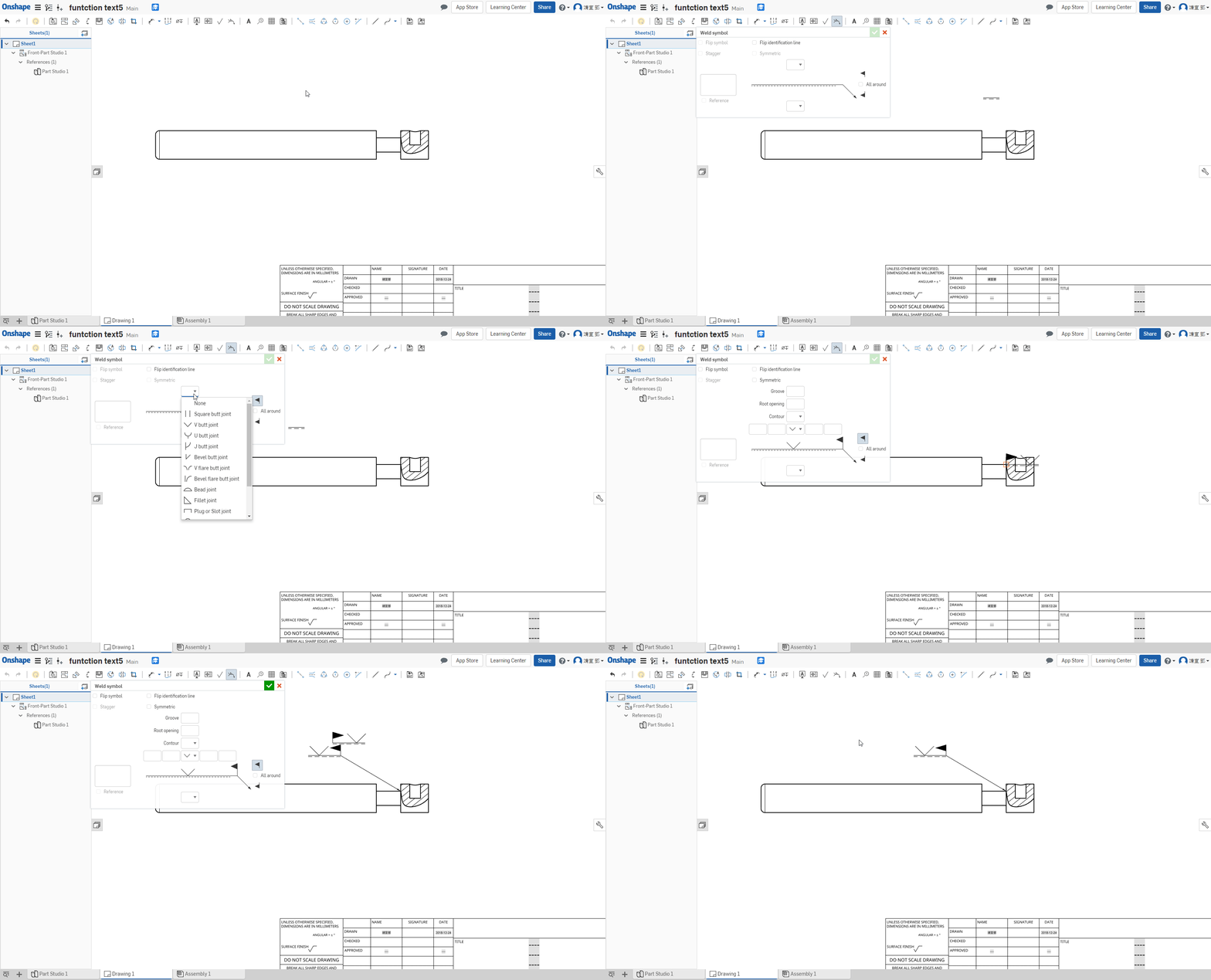
Welding symbol 焊接符號 ↓
Callout 件號 ↓
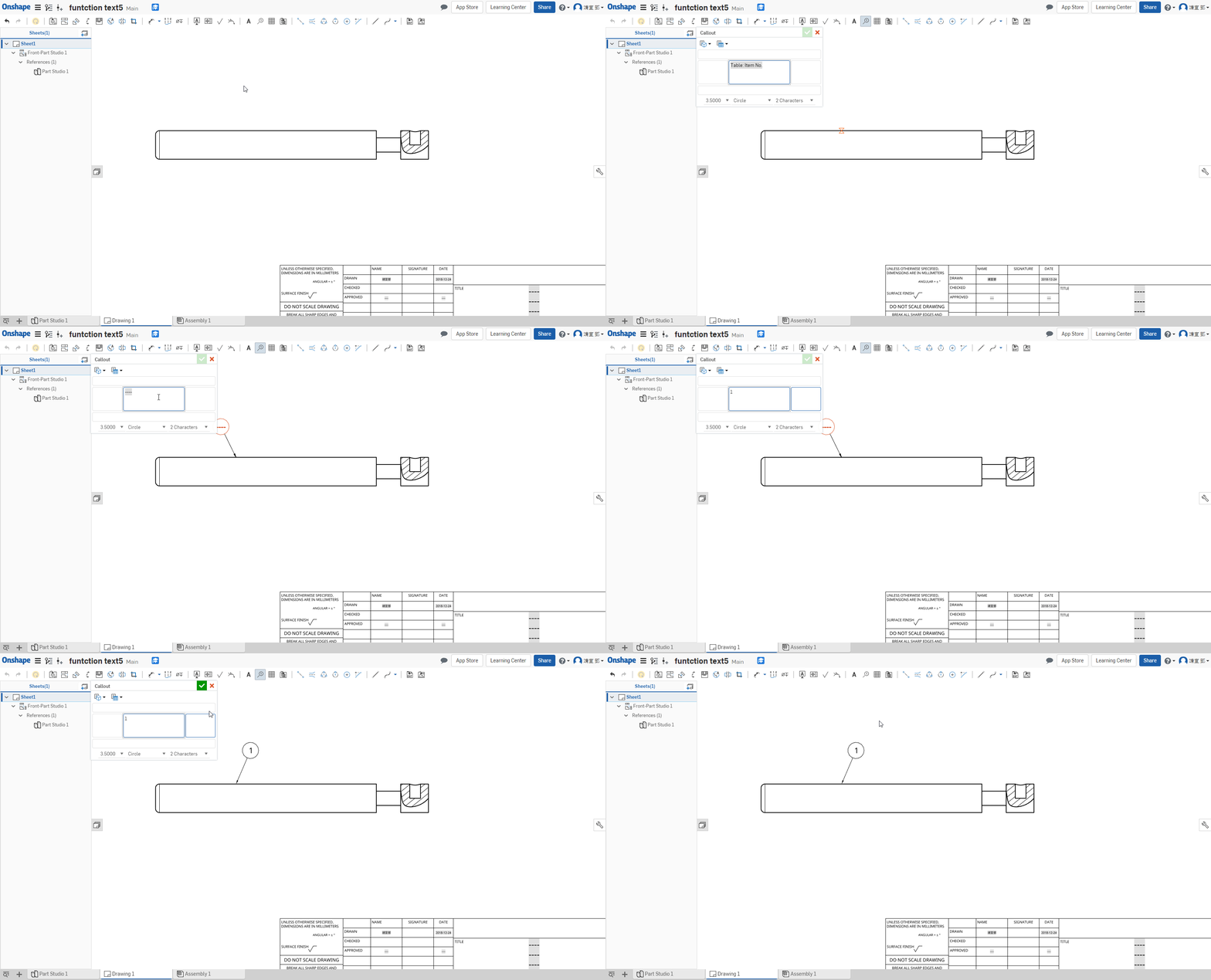
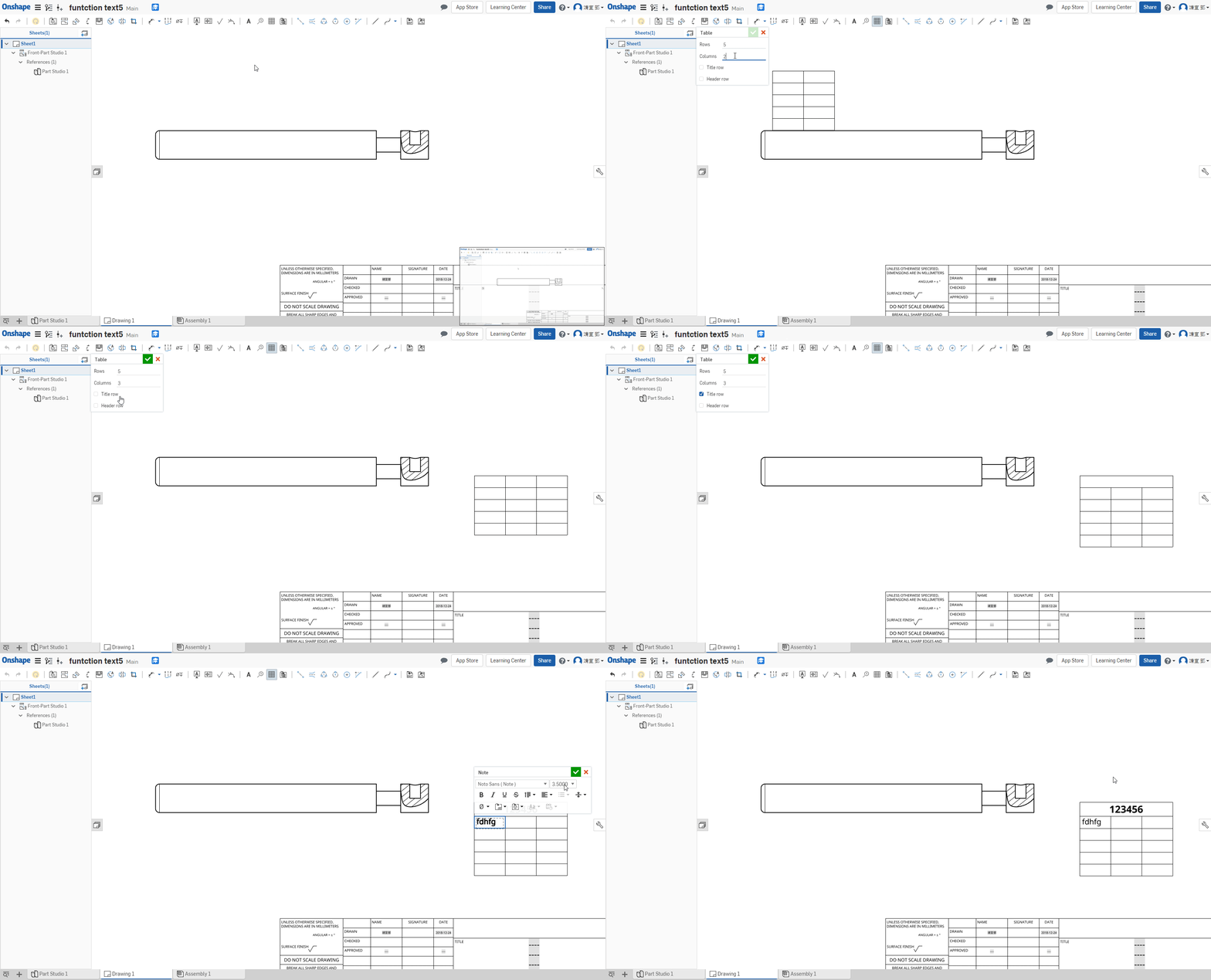
Table 零件表 ↓
2 point centerline 兩點中心線 ↓
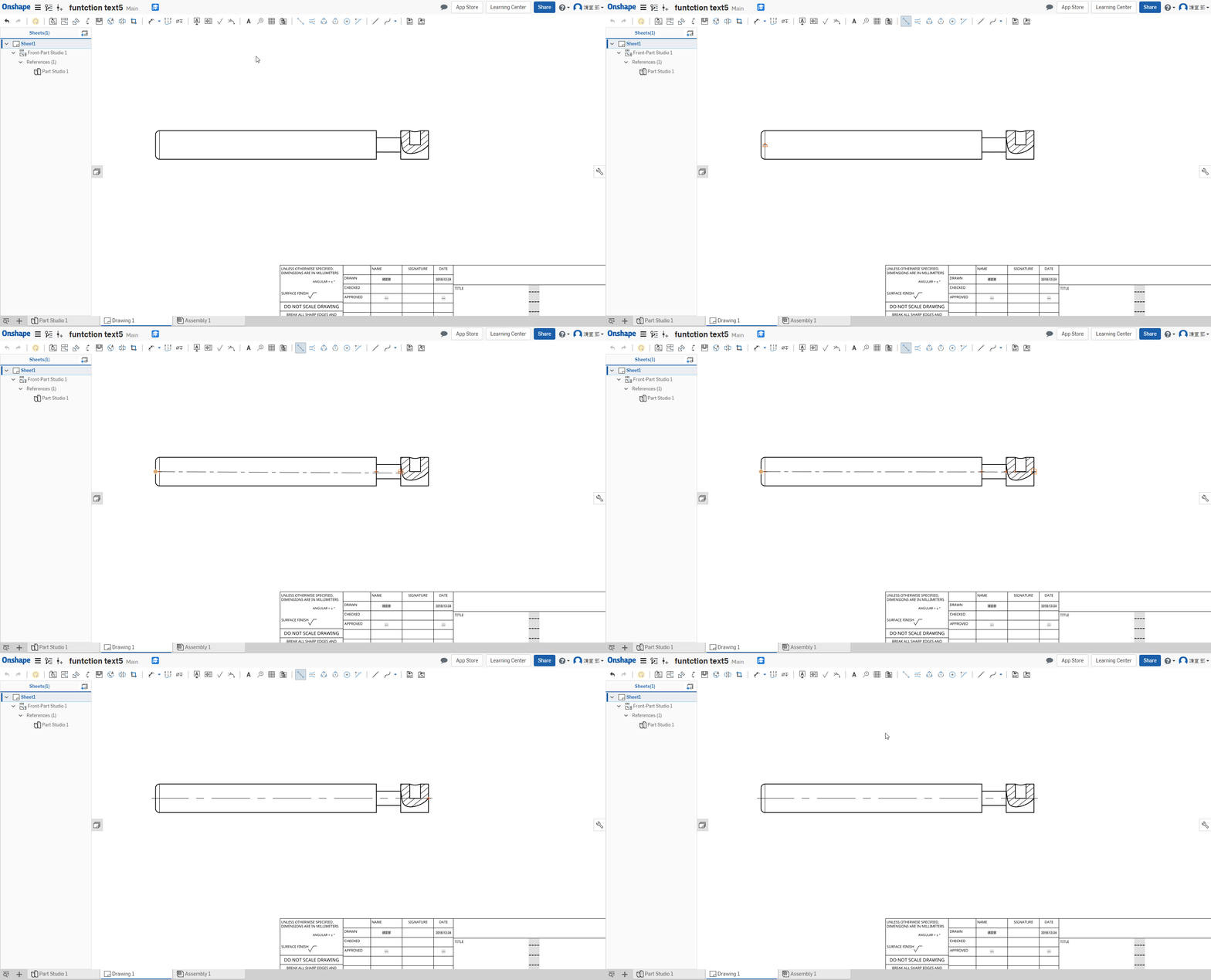
Edge to edge centerline 中心線 ↓
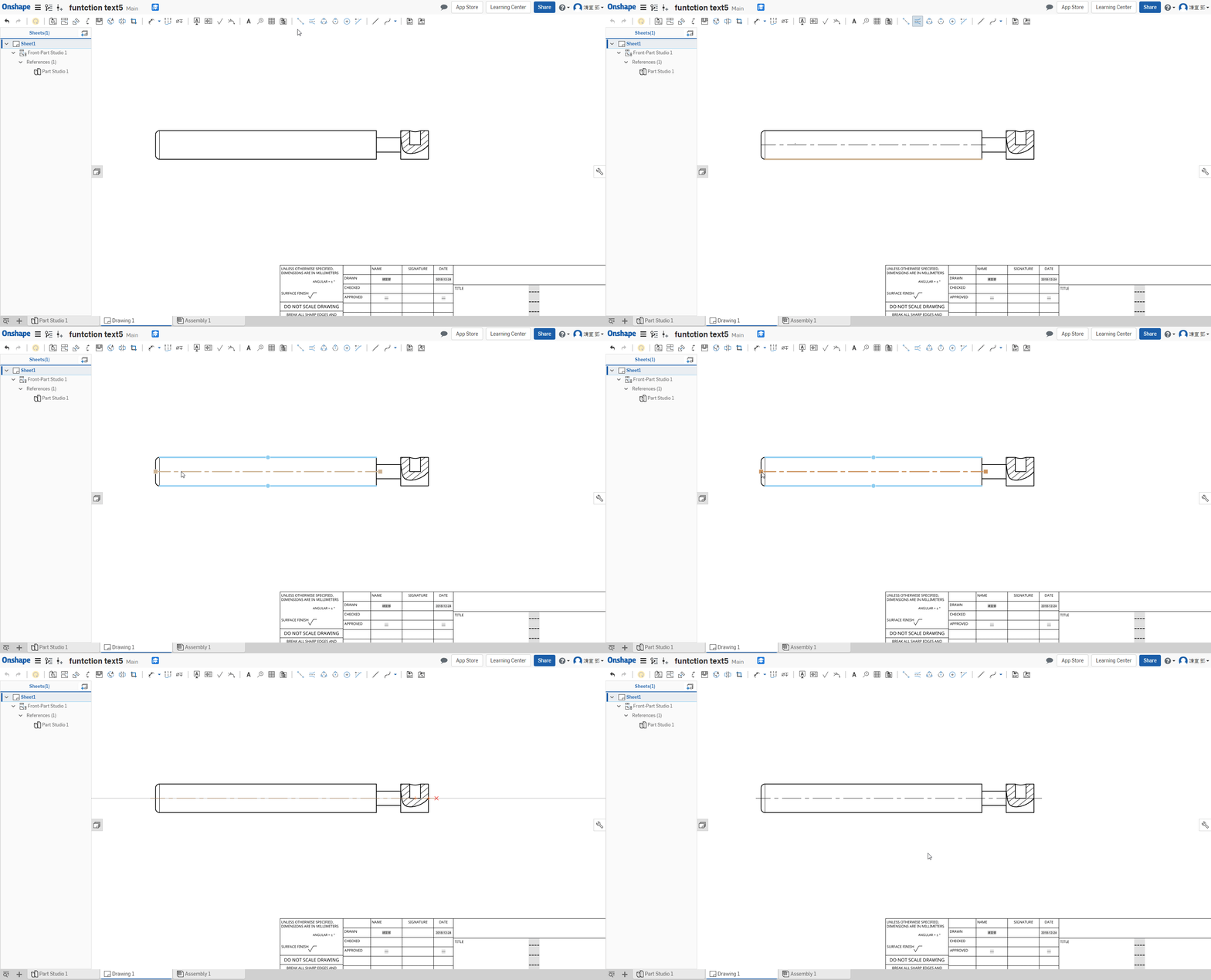
三點圓虛線 ↓
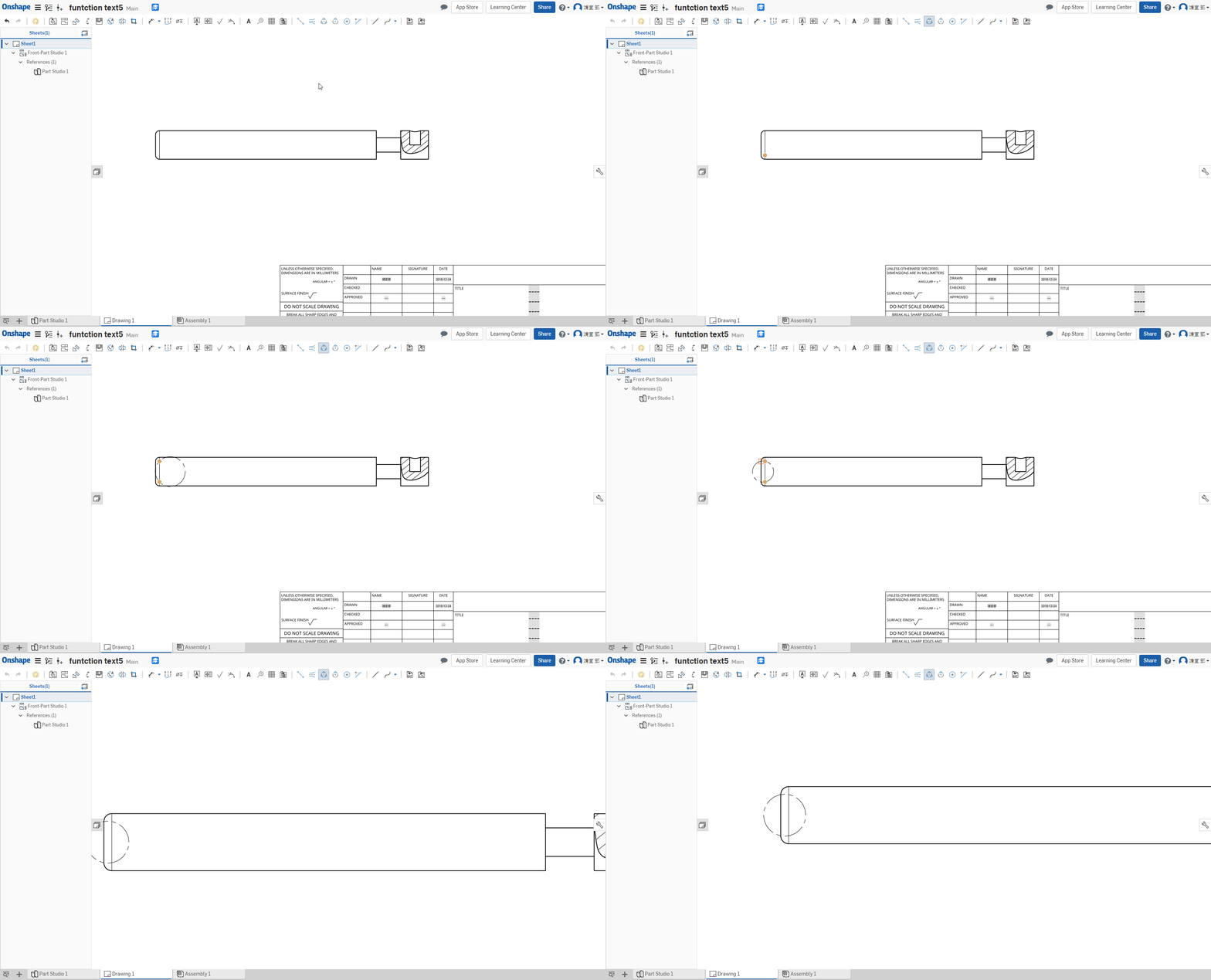
兩點圓虛線 ↓
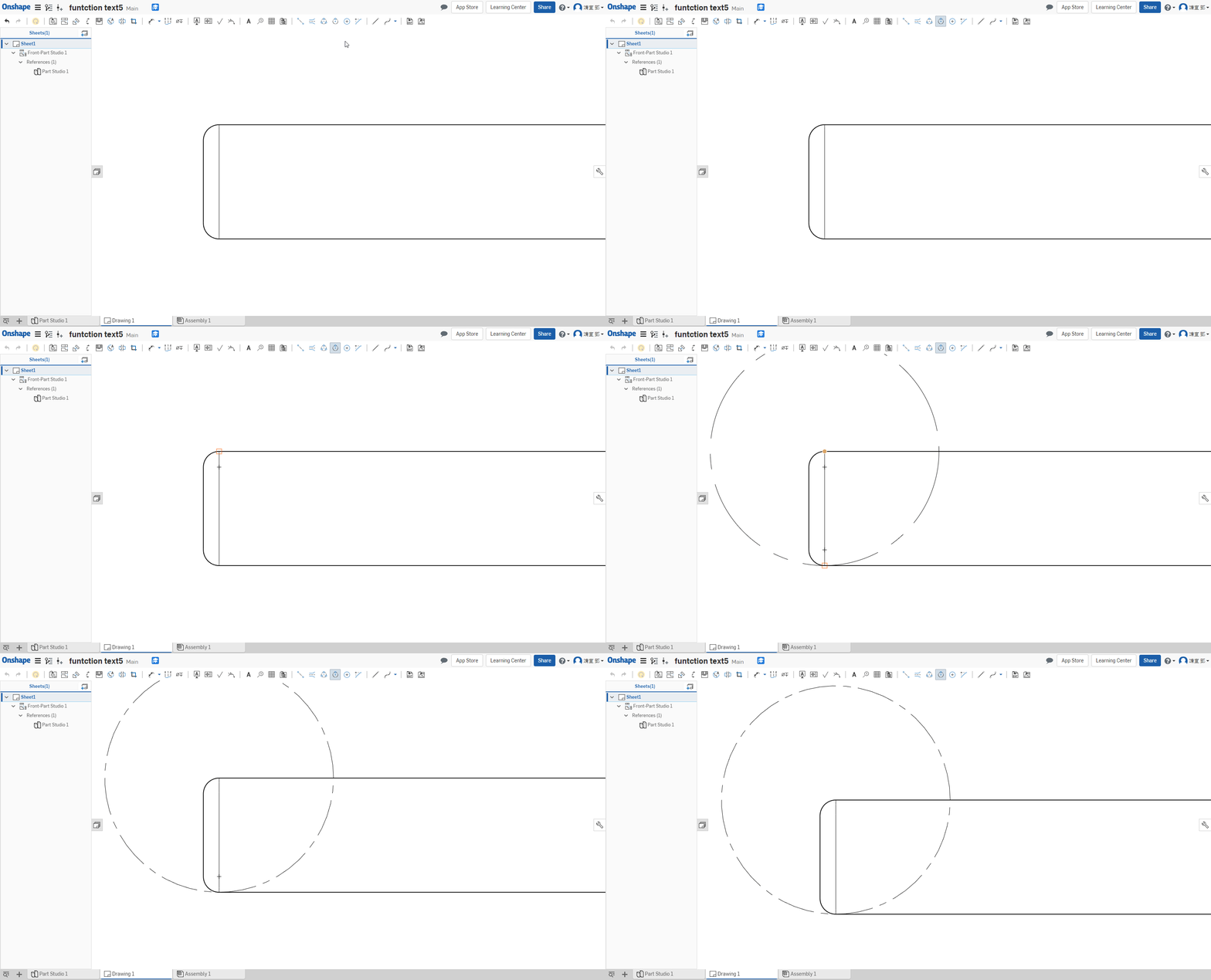
Center 圓心 ↓
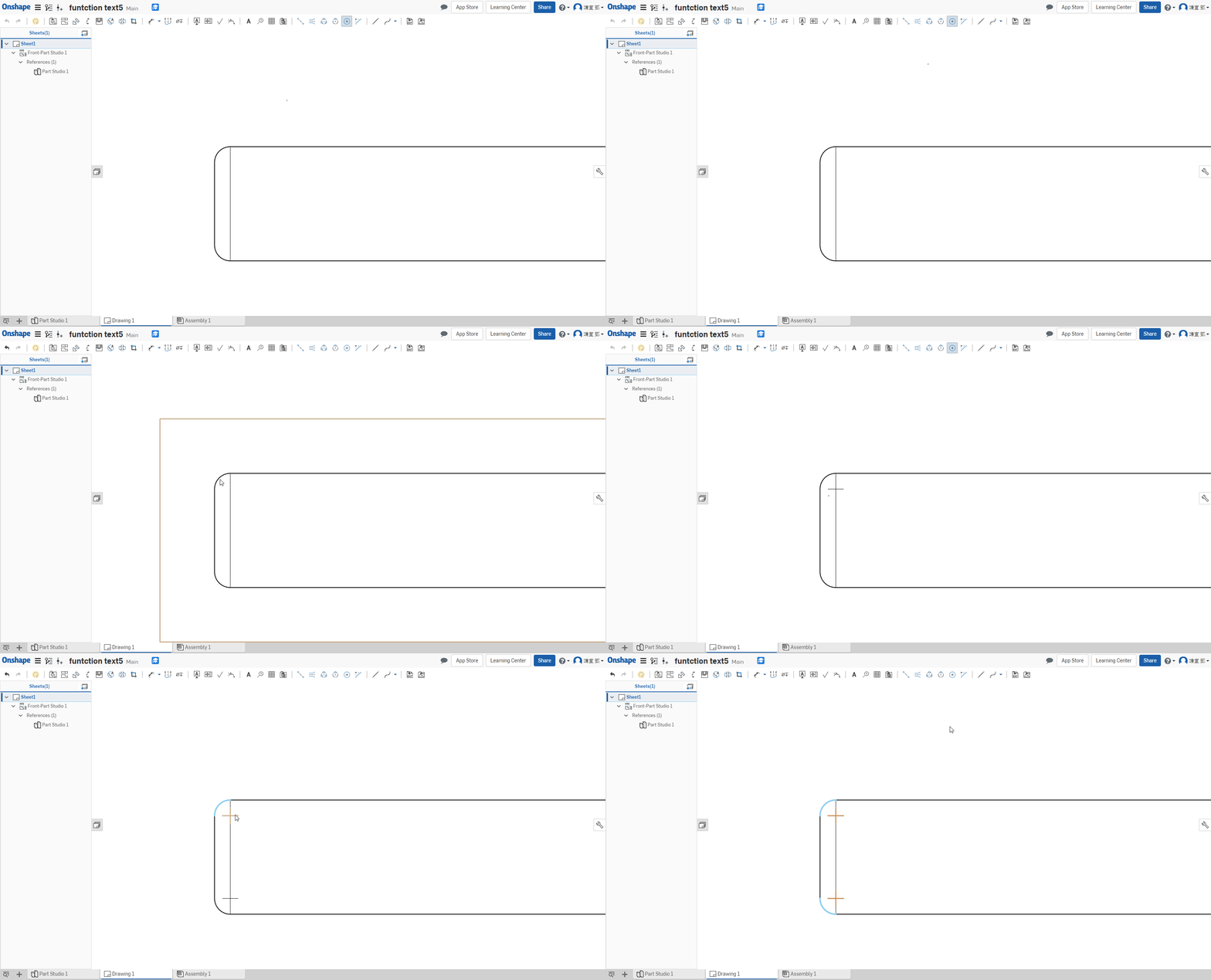
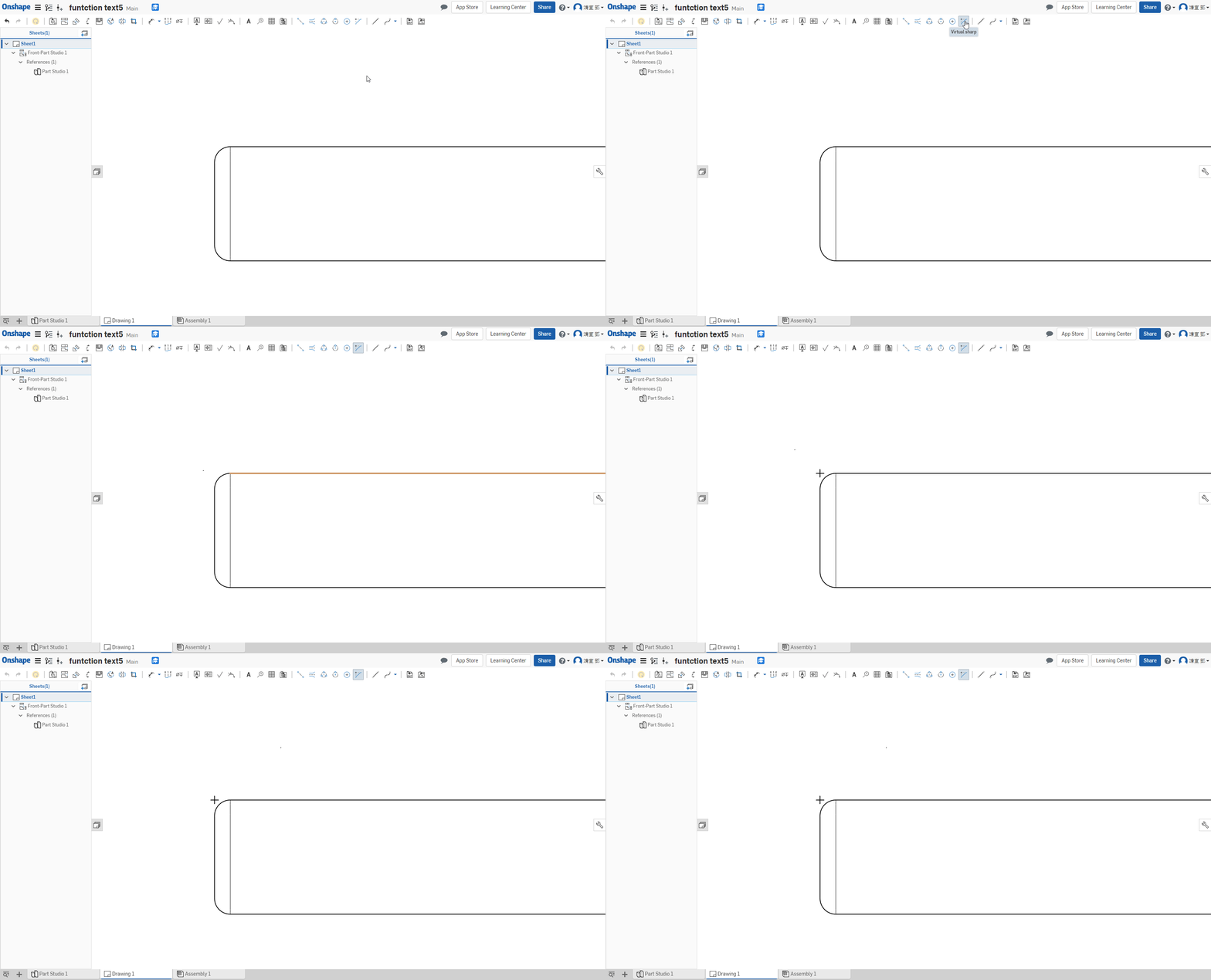
因倒角而消失之稜線 ↓
Feature << Previous Next >> Assembled